The courses are reproduced in the original language of the chef. However, you have the possibility to change the audio and subtitles at your convenience.
Audio
- Once the course has started, select the audio to see the language options (Audio Track) in the playback bar.


- Choose the language of your preference

Video
- To change the subtitles, select the CC checkbox in the playback bar.

- Choose the language that fits your needs

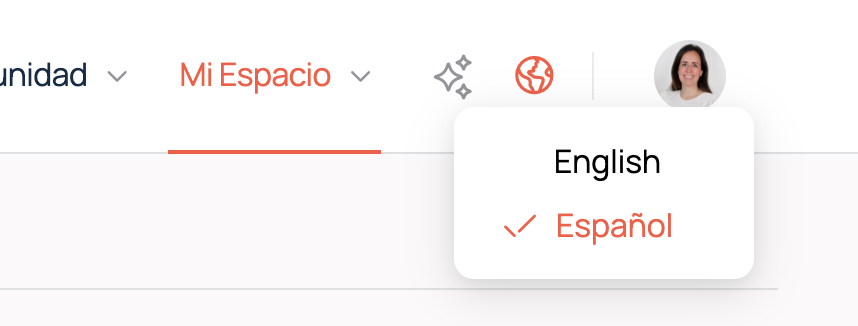
Note: Changing the subtitle or audio language does not affect the overall platform language. To change the website language, use the “globe” icon next to your avatar in the top right corner of your browser.